What Is Google Skills?
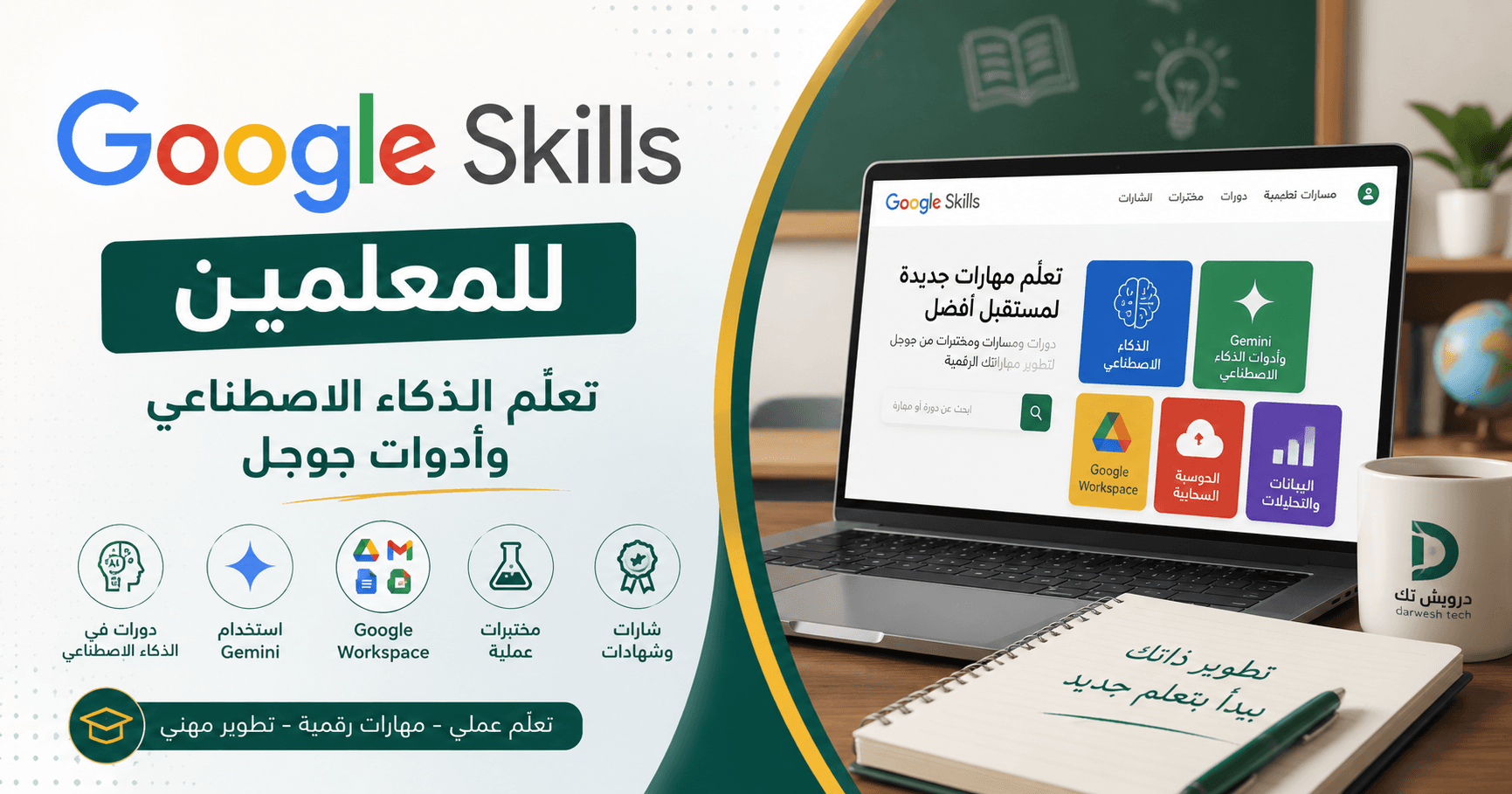
Google Skills is an official learning platform that brings Google courses, learning paths, credentials, and hands-on labs together in one place.
The platform includes nearly 3,000 courses and labs covering artificial intelligence, Gemini, Google Workspace, cloud computing, data analysis, cybersecurity, and other digital skills.
It is not designed only for programmers. Teachers, employees, leaders, and beginners can also find introductory courses that match their needs.
How Can Teachers Benefit?
Teachers can use Google Skills to develop practical skills for their daily work, including:
• Understanding the fundamentals of generative AI.
• Writing clearer prompts for AI tools.
• Using Gemini to generate ideas and organize information.
• Creating first drafts of lesson plans, activities, questions, and assessment tools.
• Improving their use of Google Docs, Slides, Sheets, and Google Workspace.
• Drafting emails, reports, and professional communication more efficiently.
• Learning about responsible and safe AI use.
AI can provide teachers with a useful starting point, but all generated content should be reviewed for accuracy, curriculum alignment, and suitability for students.
Recommended Courses for Beginners
Beginner: Introduction to Generative AI is a useful starting point for understanding generative AI, large language models, and responsible AI.
Google AI Essentials focuses on using AI to generate ideas, support research, organize work, create content, and complete everyday tasks more efficiently.
Google Prompting Essentials teaches learners how to write clear and specific instructions to get better results from generative AI tools.
Teachers who already use Google tools can also explore Introduction to Google Workspace with Gemini.
Is Google Skills Free?
Users can create an account and access selected learning content at no cost. The free subscription currently includes 35 monthly credits that can be used for eligible hands-on labs.
However, the platform is not completely free. Some courses, labs, and certificate programs require a paid subscription.
Teachers should also understand the difference between a course completion certificate, a skill badge, and a professional Google certification. Completing a course does not automatically make someone professionally Google Cloud certified, as professional certifications may require a separate official exam.
Is It Worth Using?
Yes, especially for teachers who want to develop AI and Google Workspace skills through an official Google learning platform.
Instead of starting several courses at once, choose one short course, complete it, and apply the learning to a real teaching task.
The main value of Google Skills is not collecting certificates. Its value comes from using new skills to improve teaching, save time, and organize work more effectively.
Start Learning Today
Explore courses, learning paths, and hands-on labs through the official Google Skills platform:
Start with one short course that matches your needs, then apply what you learn to a real task in your classroom or workplace.